Fremtind header image

2025 · FREMTIND

HOW CAN A LARGE BUSINESS KEEP TRACK OF CUSTOMER COMMUNICATION?

PROJECT OVERVIEW

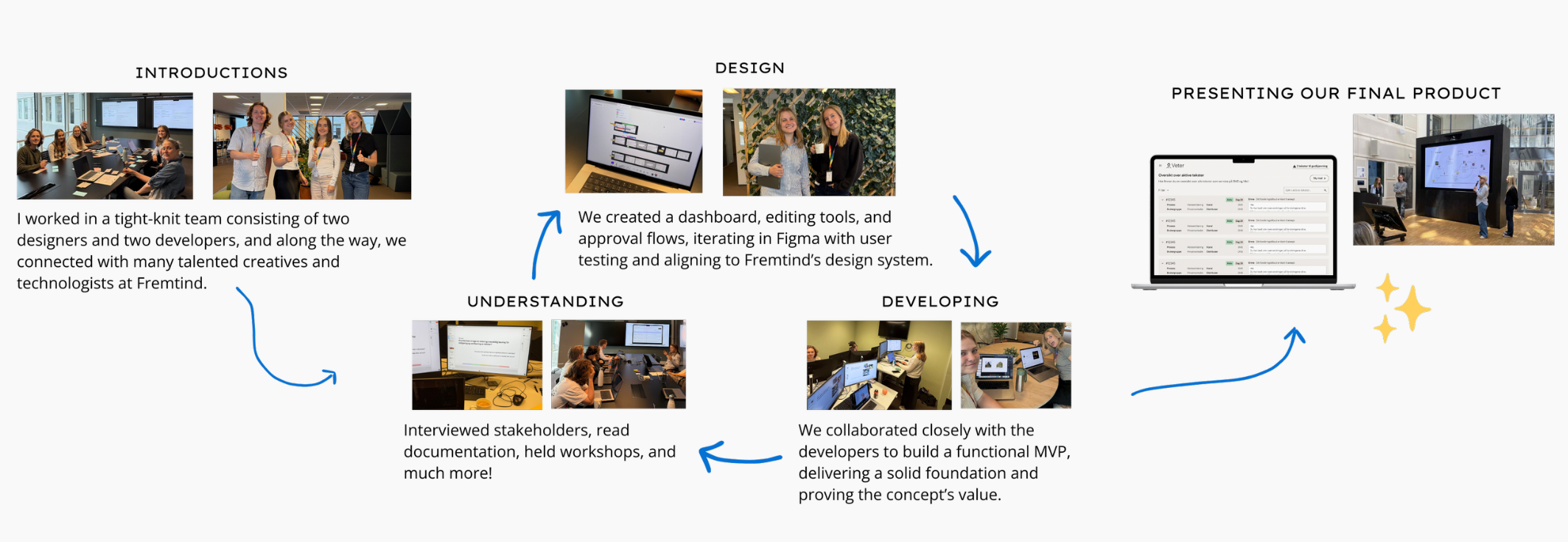
As part of a cross-disciplinary team at Fremtind, I joined a team of designers and developers to improve how the company works with customer messages — the emails and texts that trigger key actions, like signing insurance agreements.

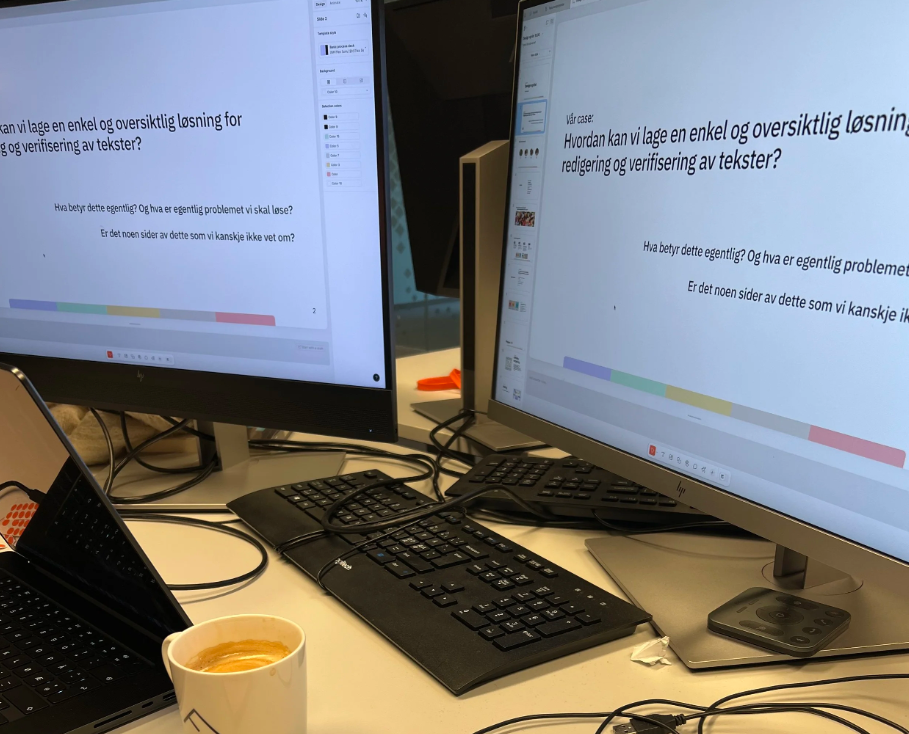
Our task was to design a more transparent and efficient solution for managing these messages, many of which were created or edited through slow, manual processes. We didn’t know much about this system when we started — but over seven intense weeks, we dove deep into the backend, talked to key stakeholders, and built a working prototype we named Veter.

UX Design
User-Centered Design
Customer Journey
User Interviews
User Insights
Usability Testing
Workshop Facilitation
Prototyping
Figma
Agile Methodologies
Team Leadership
Project Coordination
Concept Development
Miro
Fullstack MVP
Message System
REST API
Design Systems
Version Control
Stakeholder Interviews
Fremtind presentation
MY ROLE

UX designer, team lead, and project coordinator. I led the design process, facilitated workshops, and coordinated between designers and developers to ensure alignment and progress.

DURATION

7 weeks

LOCATION

Oslo

CORE OBJECTIVE

Design a more efficient way to manage customer communication

Fremtind Insurance manages a large volume of customer communication across channels such as SMS and email. Over time, these texts had been developed and stored across different systems and teams, resulting in a lack of central oversight and structure.

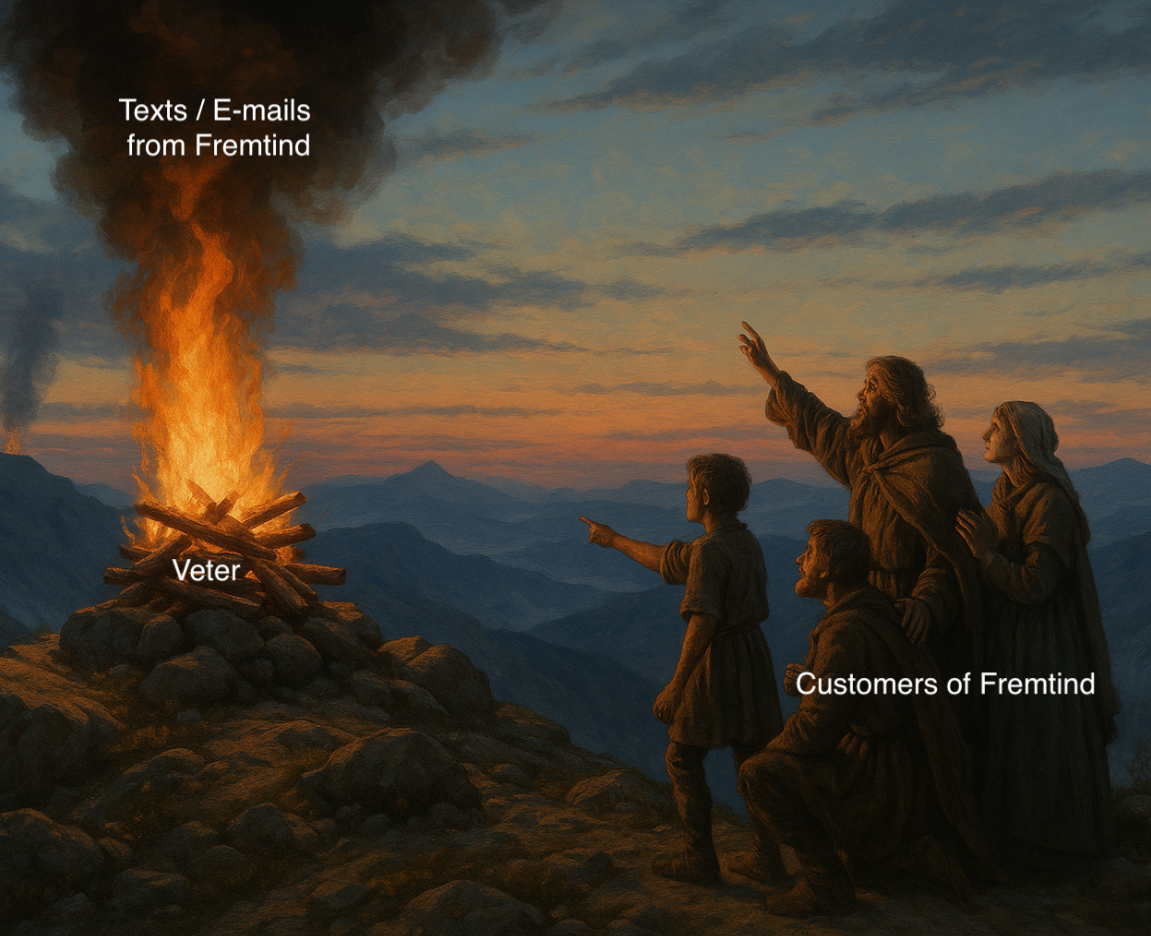
To bring more structure, consistency, and control to the process, we designed Veter, named after the old Norwegian word for “signal fire”, intended to be scalable tool for organizing and managing customer communication in one place.

Veter concept

Project timeline

From exploration to delivery

Timeline of the Fremtind project

Swipe to explore the process →

Step 1

Understand

We started with little knowledge of the system and focused on mapping how messages were created and managed.

  • Stakeholder interviews
  • Documentation review
  • Workshops and prioritization

We learned that small text edits could take weeks to reach production. Text owners had little visibility into the process, and developers were spending time on manual database edits that could be avoided.
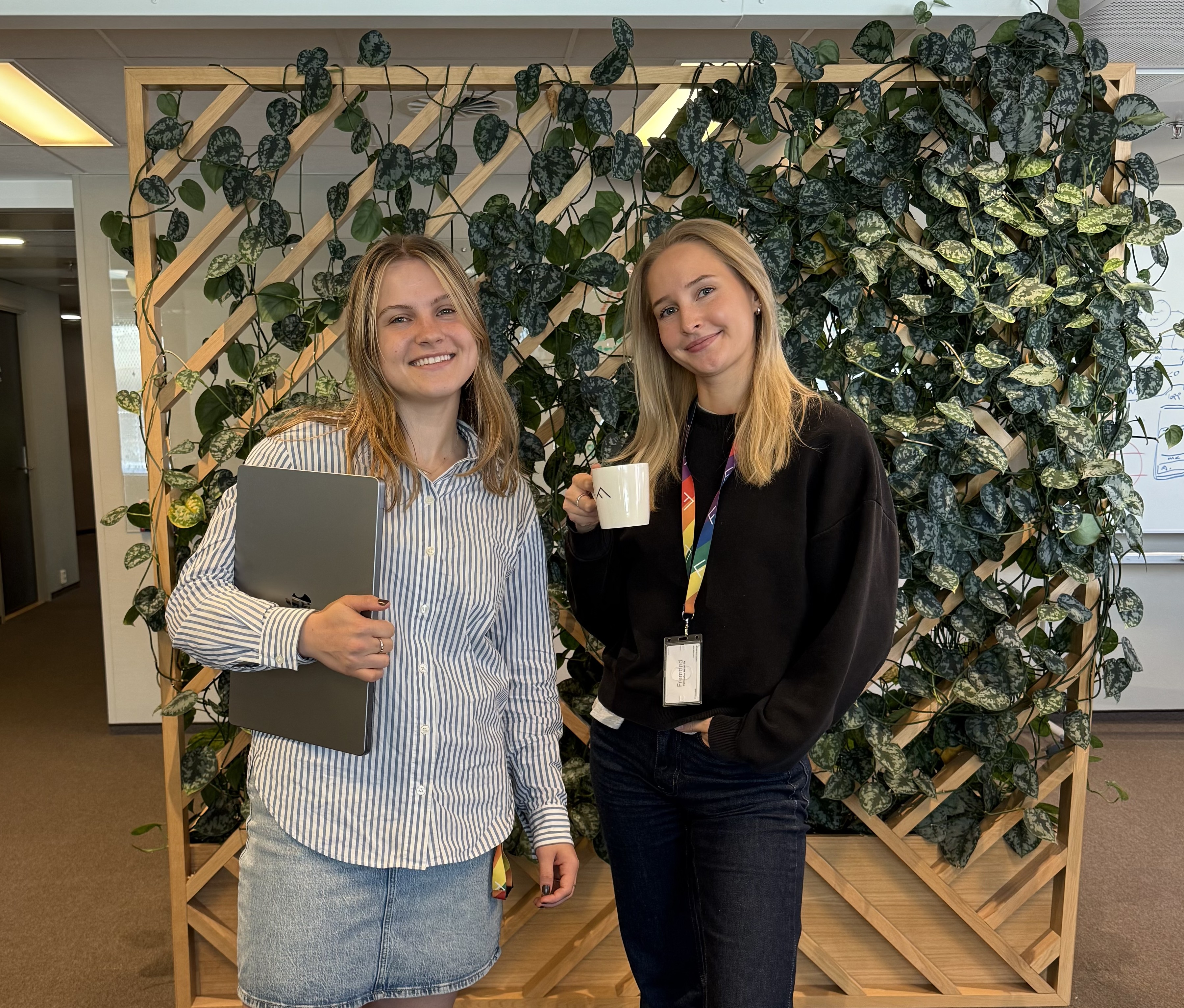
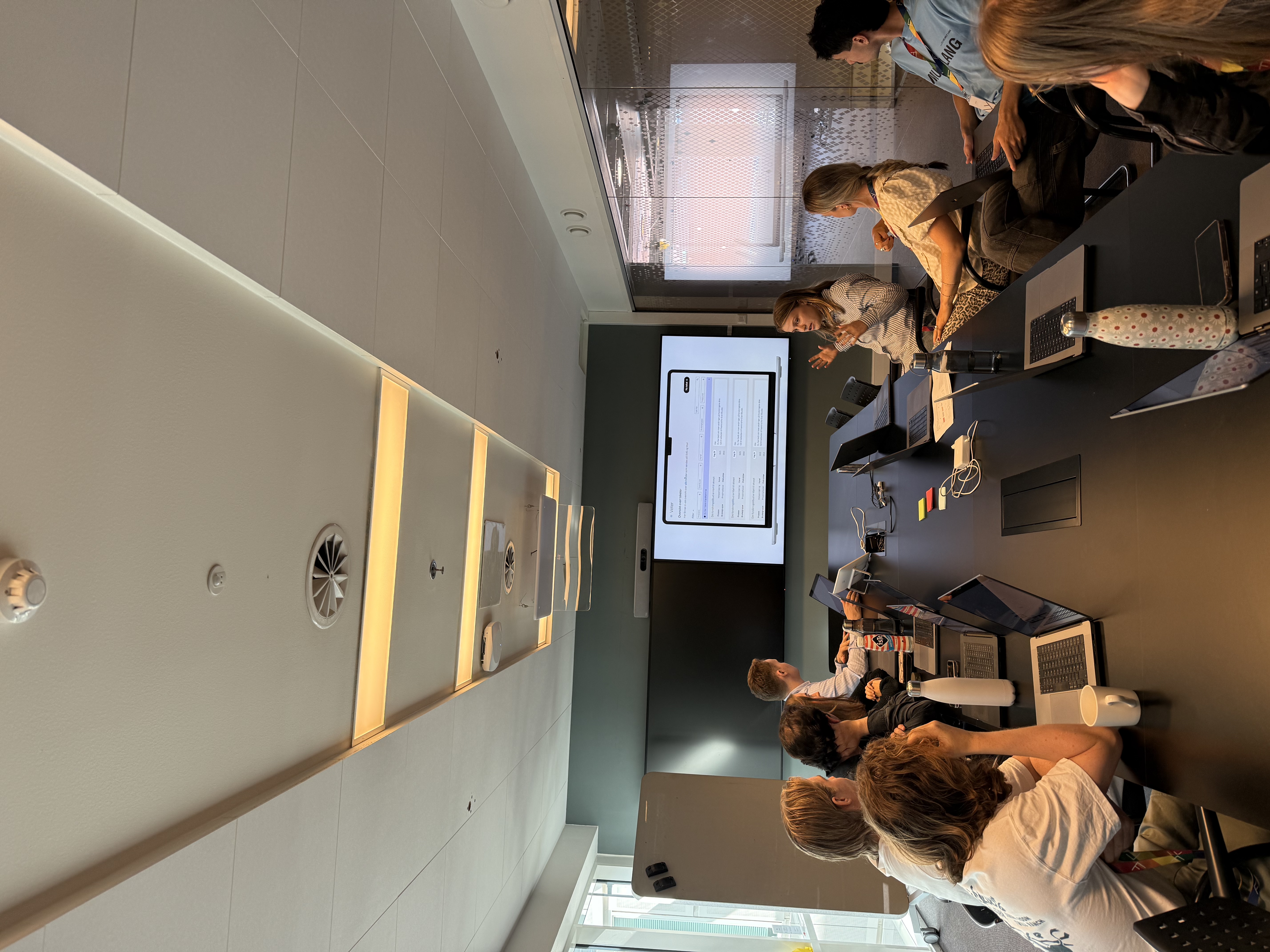
Workshop at Fremtind

RESULTS AND IMPACT

The project resulted in a working MVP that demonstrated a more structured and transparent way for Fremtind to manage customer communication. By bringing content into one shared system, the solution addressed challenges related to fragmentation, unclear ownership, and version control.

This was important because it made updates easier, clarified ownership, and reduced the risk of outdated or inconsistent communication being sent to customers.

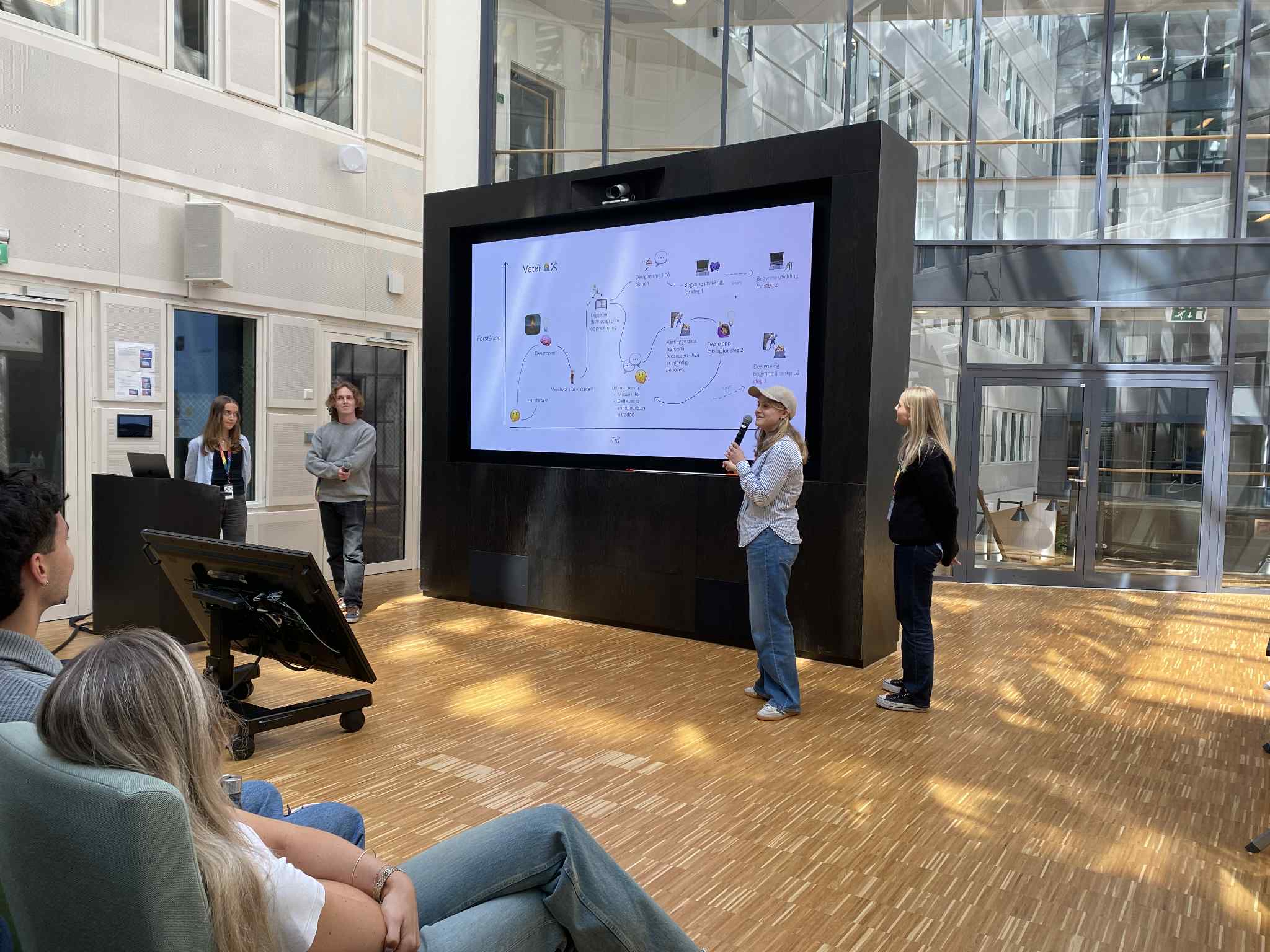
The MVP and our process were presented to a large audience at Fremtind, where they received strong engagement, positive feedback, and several questions about when Veter would be ready for use. This showed that the solution responded to a real internal need.

Dashboard

Interactive prototype

DEMO

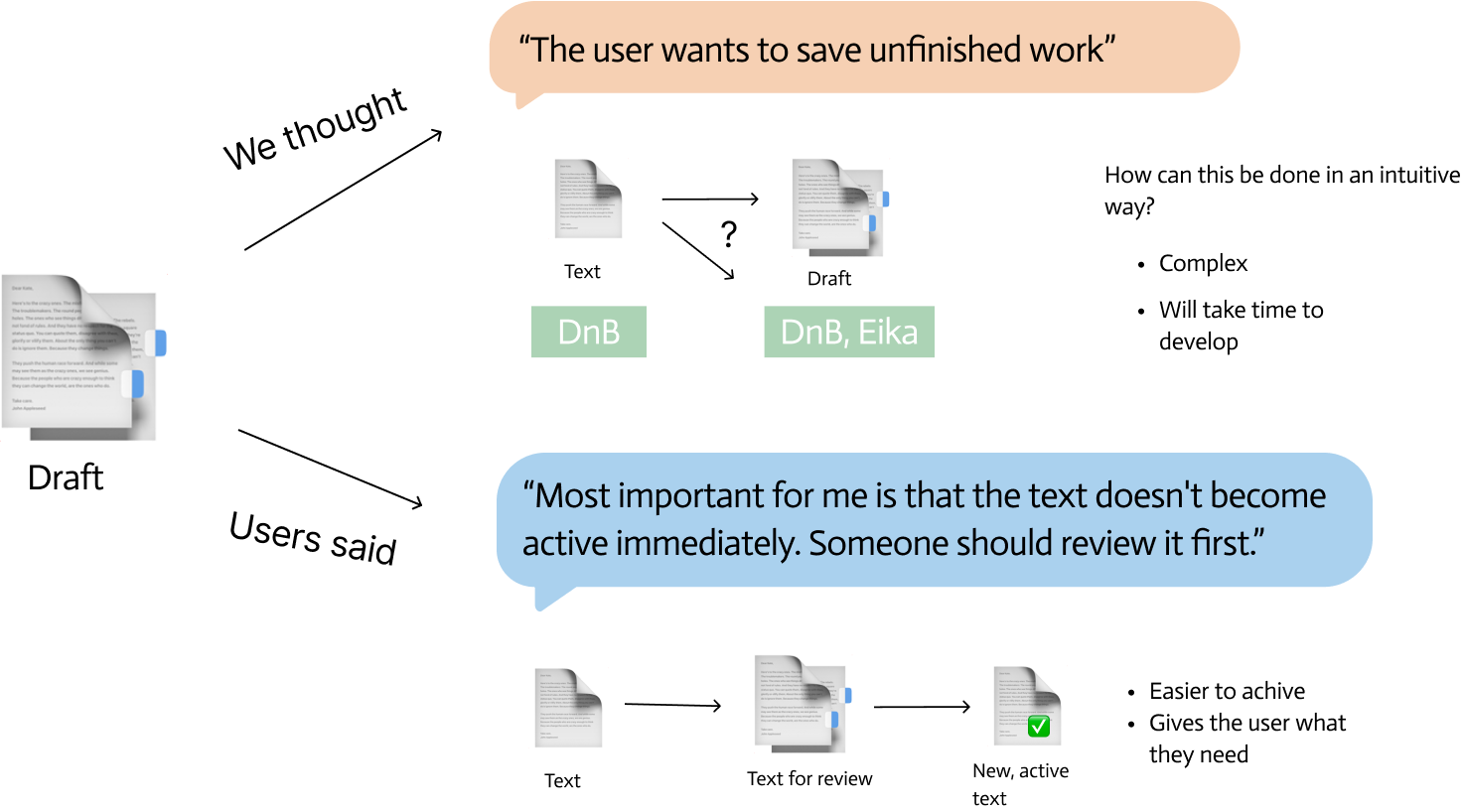
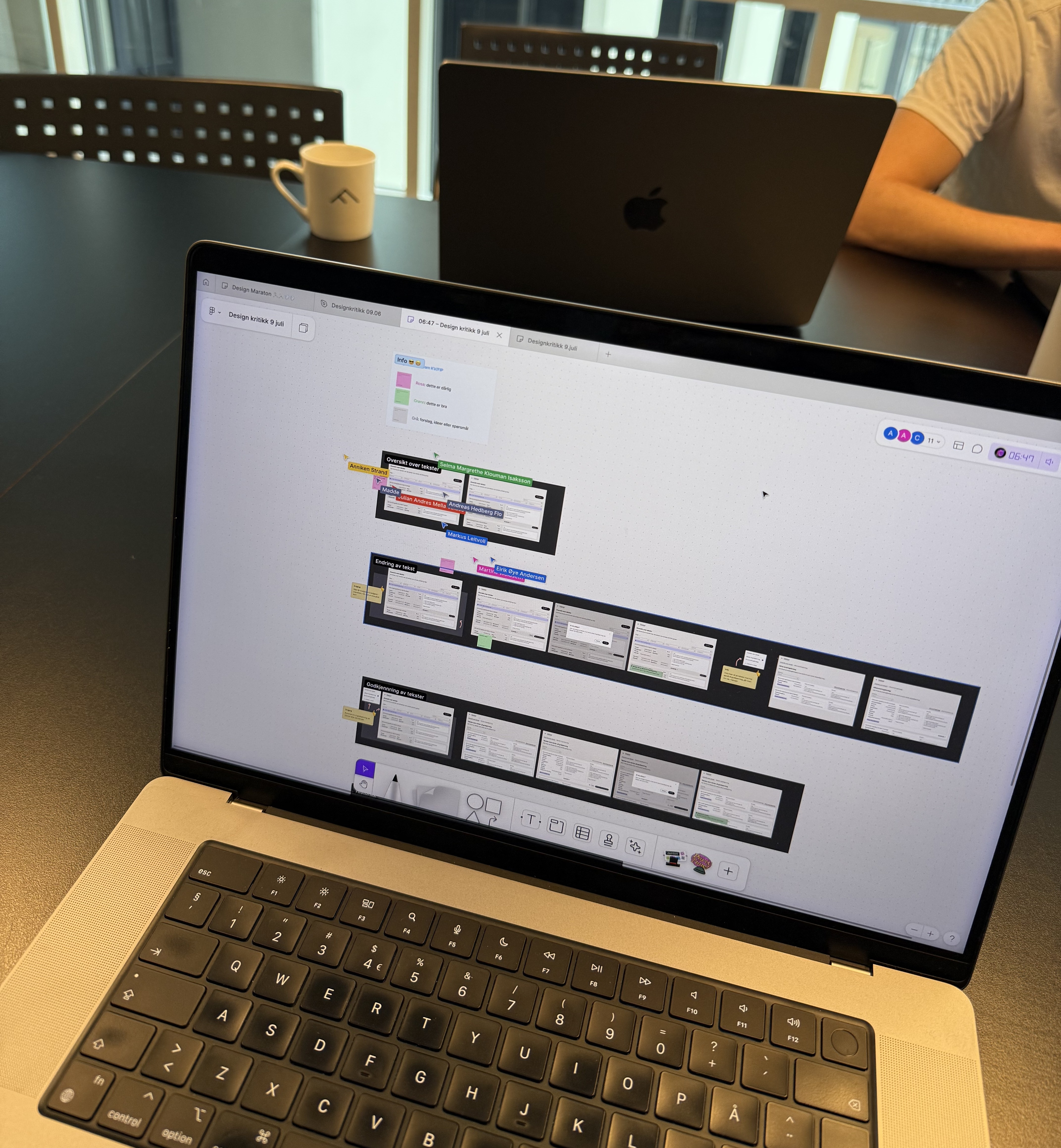
Figure illustrating a key lesson from the project

Lessons learned

What this project taught me

The figure highlights one of the problems we encountered early on. Documentation hinted towards users wanting a “draft” feature. We assumed users wanted to save unfinished work. But through testing, we learned the real need was for a review step — making sure texts weren’t published immediately, but approved by someone else first. This emphasizes how important it is to challenge assumptions early.

Overall, this project strengthened my ability to lead through ambiguity, translate insight into concrete design decisions, and build solutions that balance user needs, organizational complexity, and technical feasibility.

Key takeaways from the project

ASSUMPTIONS ARE DANGEROUS

We initially thought users needed a draft feature. Testing showed the real need was a review step before publishing.

COMPLEX ≠ BETTER

Simplifying the solution made it more usable and more realistic to build.

DESIGN & DEVELOPMENT MUST ALIGN

Working in parallel required constant communication to keep the concept, design, and implementation aligned.